Action Cam
Drop in the files- GoProTurn on GPS in your GoPro's settings before you record. Without it you still get the footage, but GPS features such as the track map and speed stay locked.
- DJI
- Insta360
- GenericMust record to MP4 or MOV
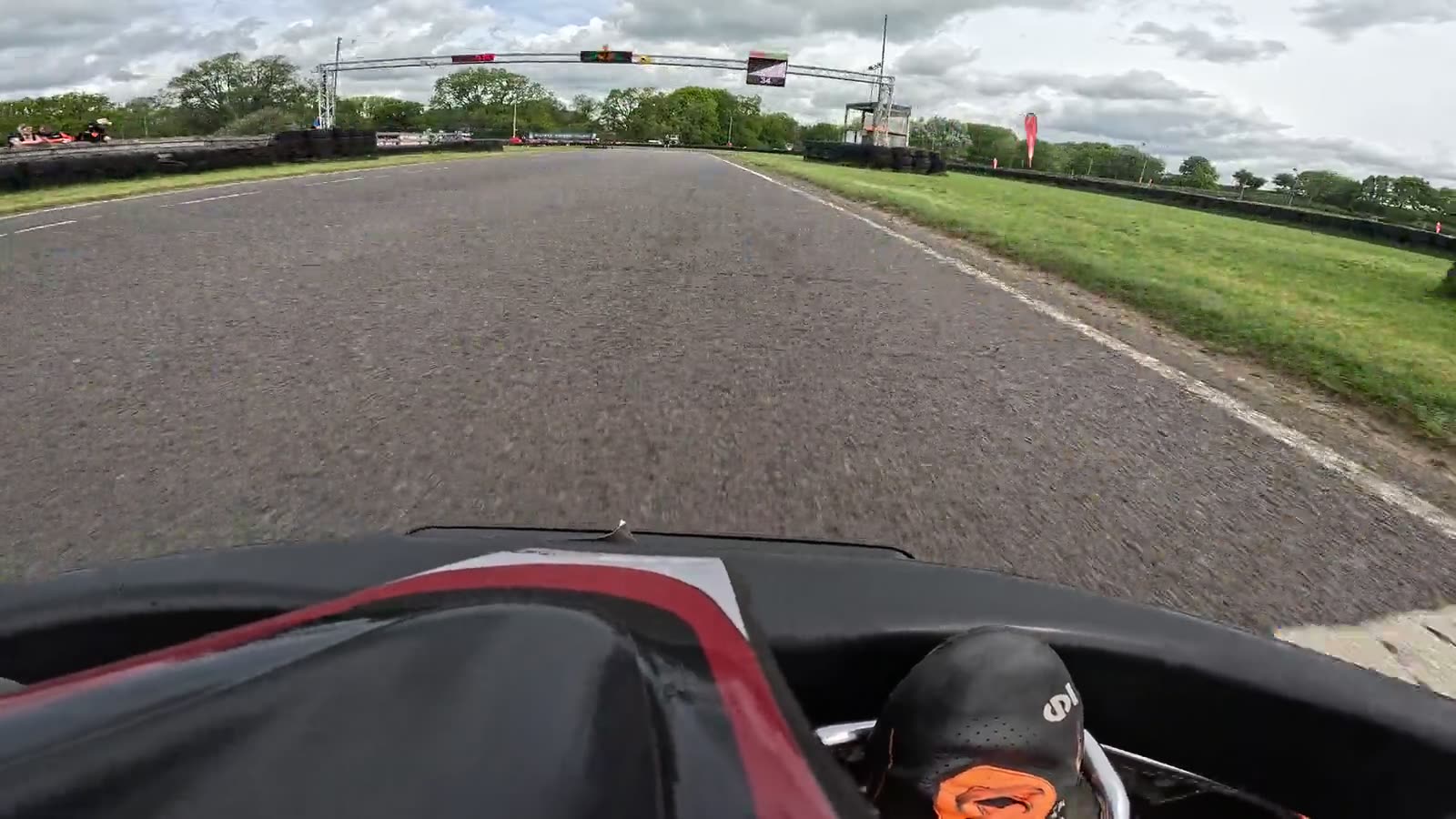
Bring your onboard footage and your timing. Between sessions you see where your time went, and you drive home with the video of your best lap already made.
A sprint day is a few short sessions and a lot of waiting. Each gap is long enough to learn something before you go out again.
Set the weekend up before you arrive: the track, the sessions and where the results come from. On the day, drop each clip in after its session and RaceDash lines every lap up with your video.
Step 1: Create a new project.
Race Engineer shows you where to focus your time. See your race story, opportunities to gain time, how your laps compare, where other drivers have the edge and what your ultimate lap would look like.
Step 1: Open the Analyse tab.
Pick the laps you want and press Render, then carry on packing up. Each lap saves as its own video on your machine, named after your project.
Step 1: Open Export.
RaceDash opens your videos wherever they live on your machine. Just add them in and they're ready to go.
| File | Size | Length |
|---|---|---|
| GX010537.MP4 | 4.78 GB | 8:30 |
| GX010538.MP4 | 5.75 GB | 10:13 |
| GX010539.MP4 | 5.62 GB | 9:59 |
| GX010540.MP4 | 5.62 GB | 9:58 |
| Total | 21.8 GB | 38:40 |
You can spend the gap between two heats watching a progress bar.
Ready to analyse whenever you are.
Your computer does the work, so every lap can render at full resolution.
RaceDash goes online to fetch results and check your license, then keeps working offline for up to 14 days.
Each project is a file on your computer. Back it up, move it, or open it on your second machine.
RaceDash fetches results from the circuit's timing system, pulls your logger's data and fuses it to your video footage. No timing system at your track? Enter your laps by hand, or time them from GPS.
One price, everything included. Render as many videos as you like on your own machine.
Everything in the app, for every session you drive.
If you have any other questions, ask us over email.
You pay £99 for a license that lasts a year. Every update released in that year is included.
A Mac with Apple silicon running macOS 13 Ventura or later, or a 64-bit PC running Windows 10 or later. Macs with Intel processors aren't supported.
Two. To move RaceDash to a new device, remove an old one from your account first. You can remove a device 90 days after you first signed in on it.
Only to fetch results and to check your license. RaceDash keeps working offline for up to 14 days.
Any action camera that records MP4 or MOV, including GoPro, DJI and Insta360.
Yes. RaceDash can read from a growing list of sources, including SpeedHive by MyLaps and results emails from venues such as Daytona and TeamSport. If your track's timing provider doesn't appear, you can contact us to request adding it. You can always enter lap times by hand.
No. Your footage and renders stay on your device. You can choose to share track details, such as corners and sectors, to help improve tracks in RaceDash.
Not at launch. If you'd like to try RaceDash, contact us and we'll accommodate you as best as we can.
RaceDash will pause functioning until you renew. All of your videos and projects will stay on your device. Any renders you do will always be accessible.
Leave your email and you'll hear the moment RaceDash is ready for your next race day.
We'll only email you about early access and the launch. Read our privacy policy.
Leave your email and you'll hear the moment RaceDash is ready for your next race day.